Defect #1578
closed
Right floating image formats badly in some places
0%
Description
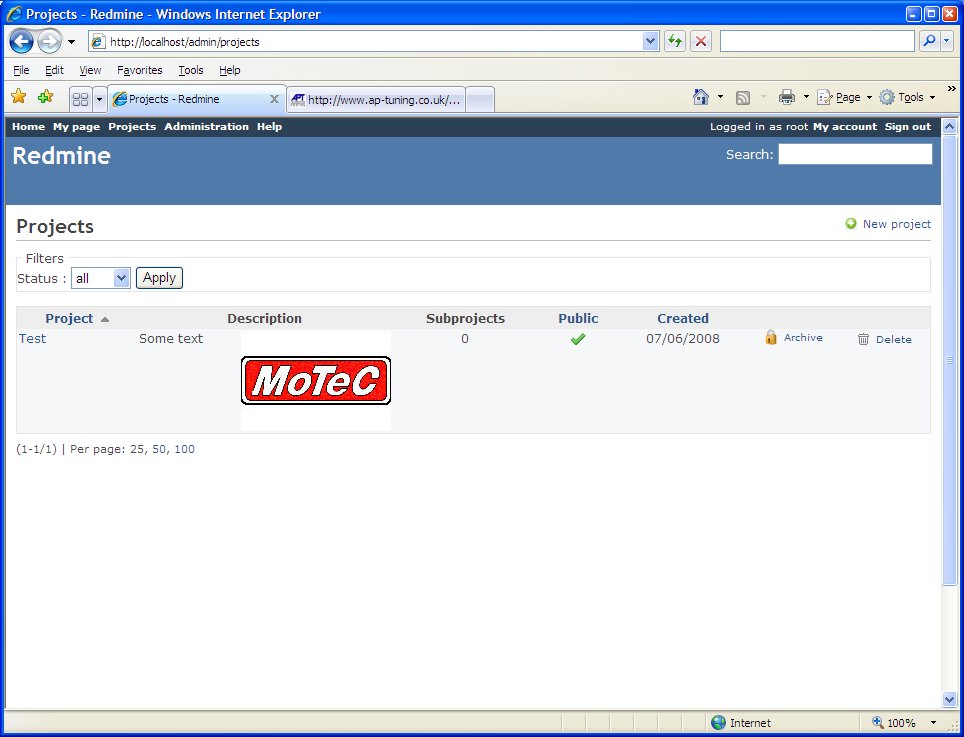
When a right image is added to a project description using the syntax
! > http://image_path !
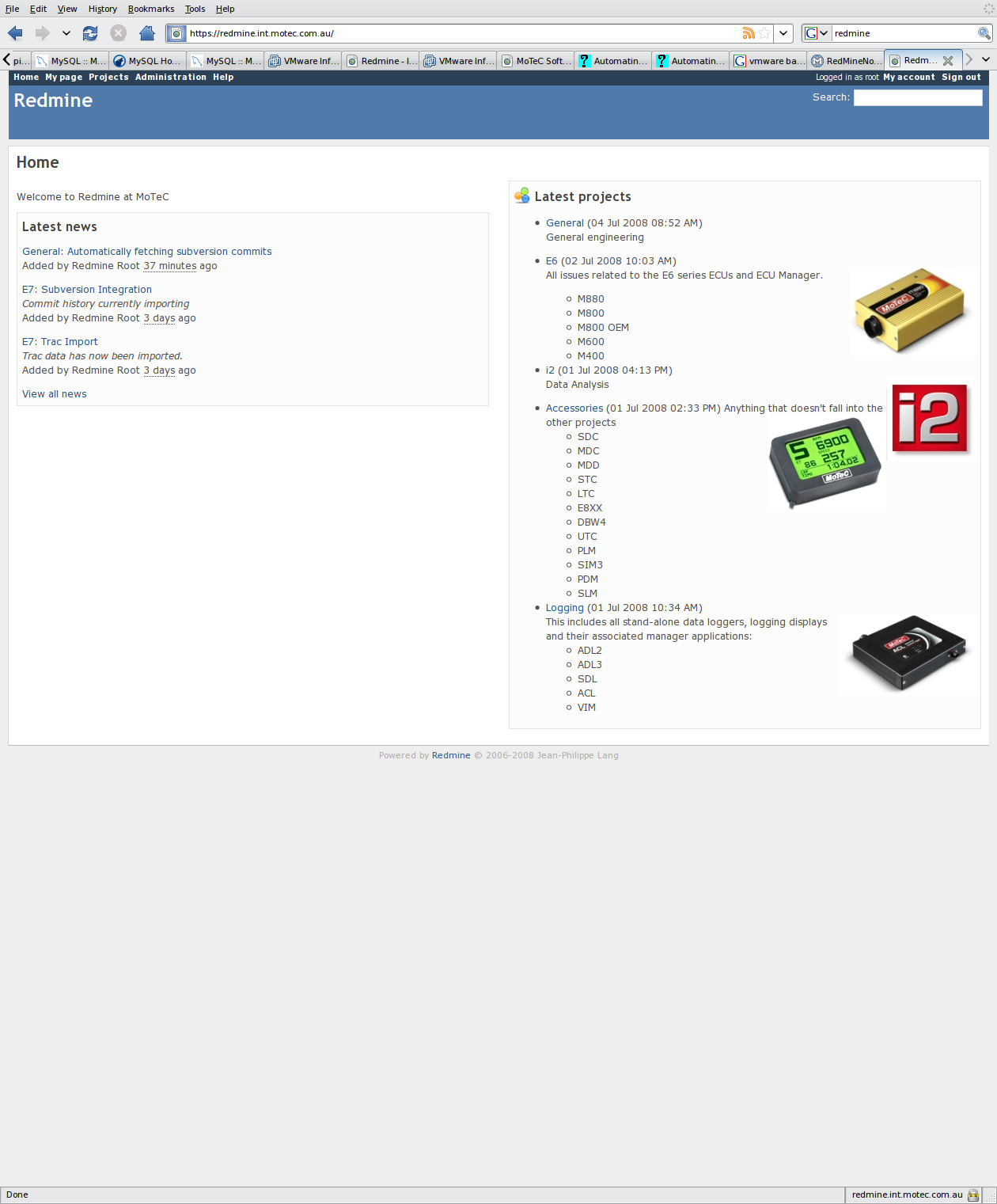
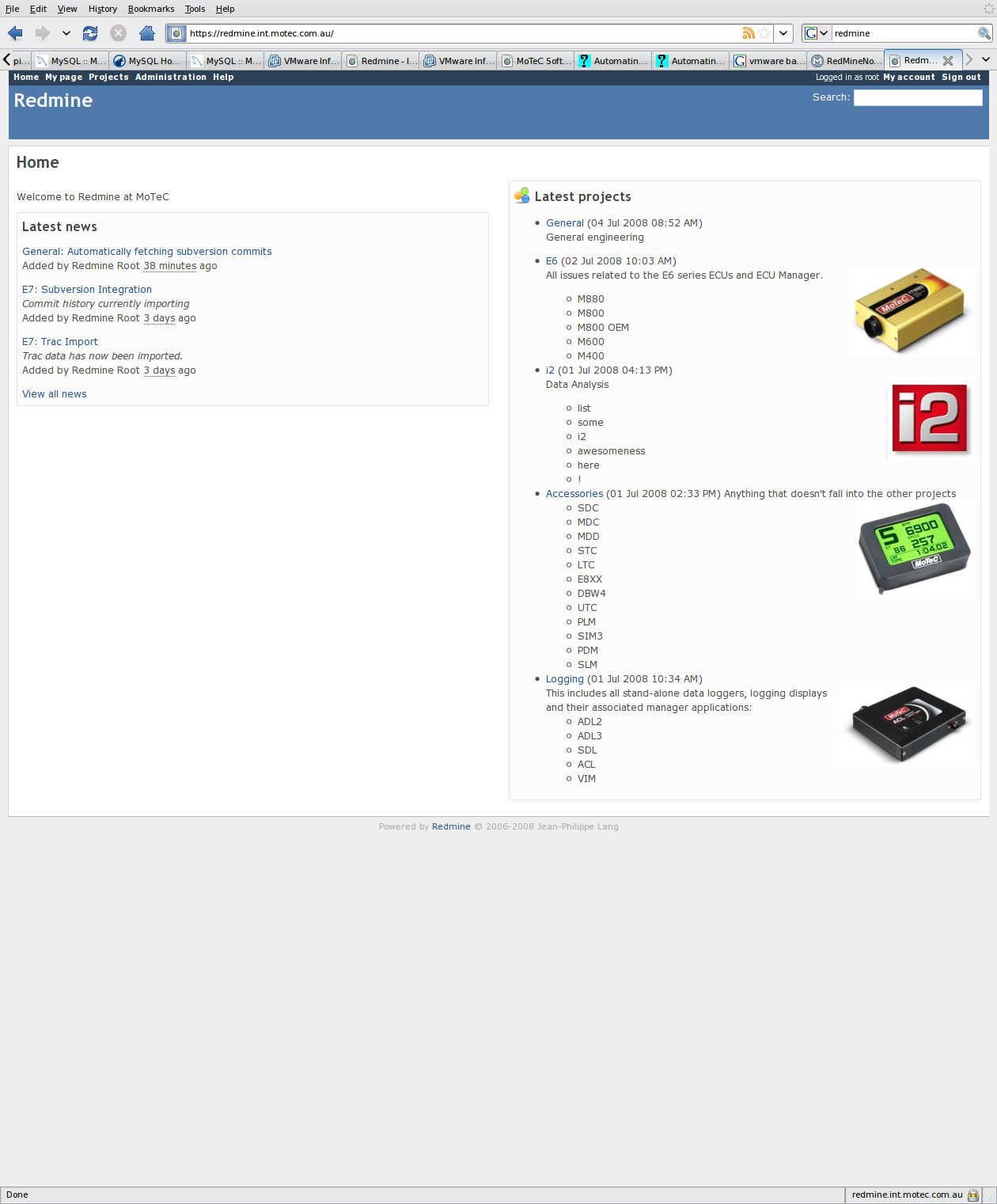
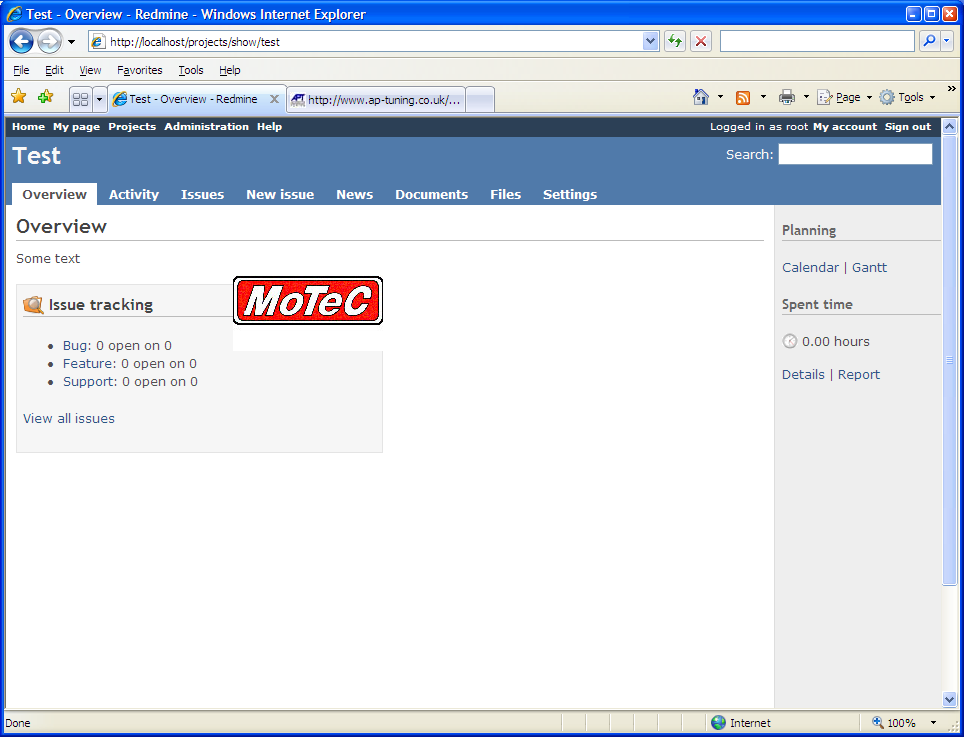
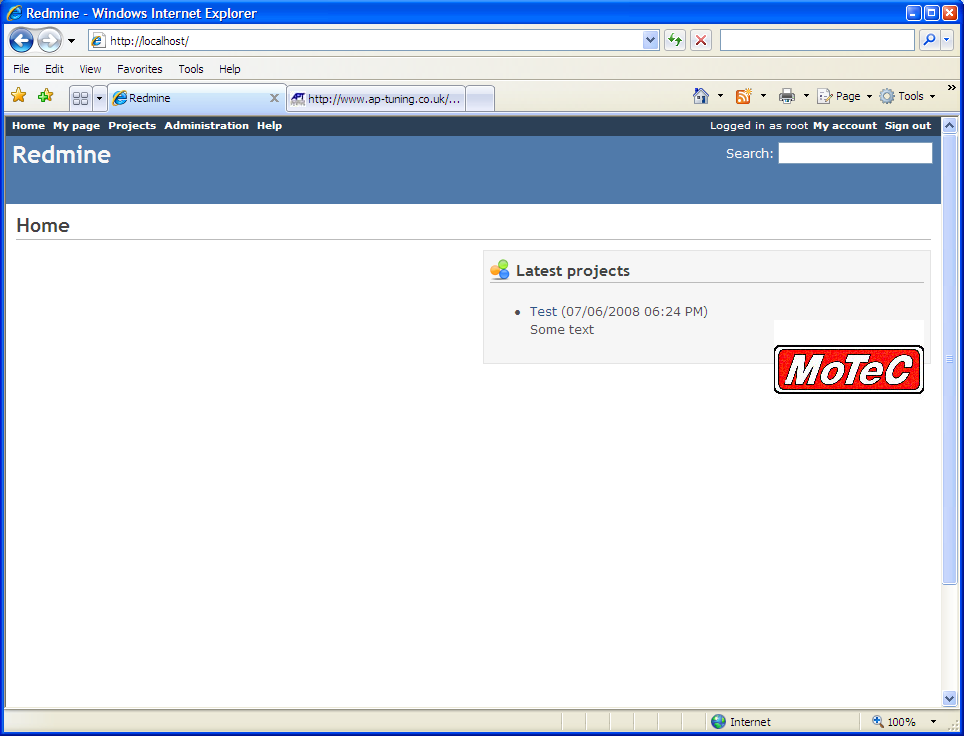
it formats badly in some places, some example screen shots are attached.
Files

 Updated by Jean-Philippe Lang almost 16 years ago
I can't see what is wrong in your examples, images are floating on the right.
What is the expected result ?
 Updated by Patrick Oppenlander almost 16 years ago
- File bad1.PNG bad1.PNG added
- File bad2.PNG bad2.PNG added
- File bad3.PNG bad3.PNG added
- File good1.PNG good1.PNG added
I will attach some more examples:
bad1.png: "My Projects" text is in the wrong place, should be right aligned at the bottom of the page, under the image.
bad2.png: "Issue Tracking" box should start under the image, the image is covering it.
bad3.png: "Latest Projects" group box doesn't surround the image.
good1.png: What I expect to happen in all of the above cases, this is the only place I have seen it work as I expect.
Hope this is clearer,
-Patrick
Updated by Jean-Philippe Lang almost 16 years ago
- Status changed from New to Closed
- Affected version (unused) deleted (
0.7.2) - Resolution set to Wont fix
- Affected version deleted (
0.7.2)
If you don't want a floating image, try to use:
p>. !image.png!
Updated by Patrick Oppenlander almost 16 years ago
If that is the case, why is the behavior of the image not the same everywhere that it is rendered?
Compare the image bad3.PNG with good1.PNG. Why does the group box surround the image in one instance, but allow the image to overlap it in the other.
If this is the desired behavior I clearly don't understand floating images properly and apologise in advance.
Updated by Patrick Oppenlander almost 16 years ago
And to clarify, I definitely do want floating, not right aligned.