Sidekiq Finally Works on Windows!
Added by Steve Zhou 4 days ago
Sidekiq Finally Works on Windows!
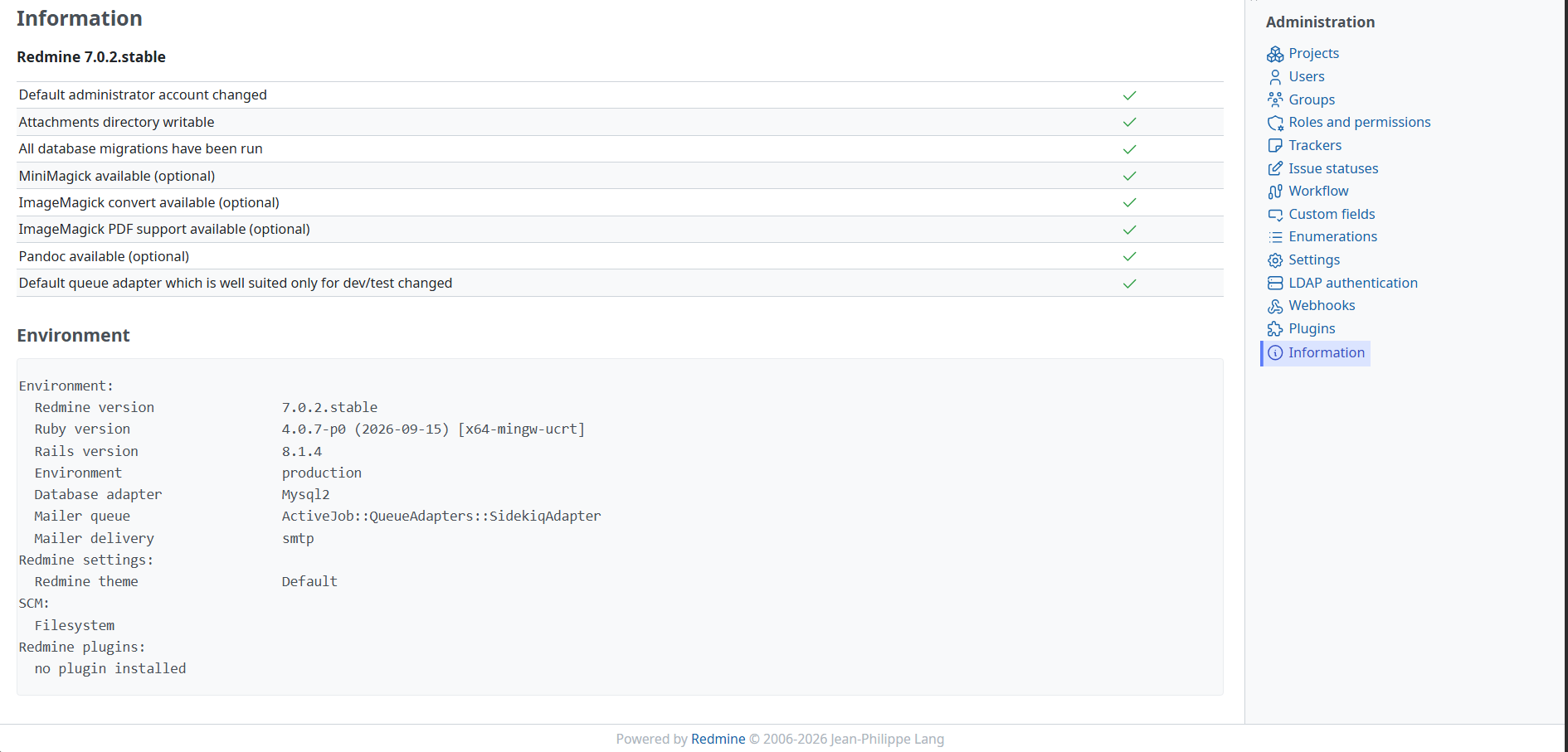
Two years ago, I posted about how I couldn’t get Sidekiq to work on Windows. After lots of trial and error, I’ve finally figured out how to make it work!
These three steps turned out to be crucial:
1. Set up Redis as a Windows service
Use redis-windows to create and run a Redis service on Windows.
2. Start Sidekiq with the correct queues
Run the following command:
bundle exec sidekiq -q default -q mailers
The key here is mailers — that’s the name of the queue used for sending emails. Without specifying it, emails simply wouldn’t get sent, no matter what I tried!
3. Run Sidekiq as a background service
Convert the Sidekiq startup command into a .bat file, then use VC++ to wrap it into an .exe, and finally use sc.exe to register it as a Windows service so it can run continuously in the background.
And voilà! Emails are now being triggered and sent successfully on Windows!