Defect #44358
open
Markdownized preview shows broken images: Pandoc emits <img src="media/..."> but media is never extracted
Description
The Markdown-based preview for Office attachments introduced in 7.0 (feature #8959) renders broken image icons for documents that contain images. For documents that consist mostly of images, the entire preview is a set of broken icons.
I checked for duplicates first: #8959 is the closed feature request itself, and #44029 and #44225 are related but different. I found no existing report about media handling in markdownized previews.
Steps to reproduce
- Install Pandoc so that markdownized previews are enabled (verified with 3.10.2)
- Create a .docx containing one or more images
- Attach it to an issue and open the attachment preview
Actual behaviour
Every image is rendered as a broken image icon, and the web server access log shows:
GET /attachments/media/image1.png  ->  404
GET /attachments/media/image2.png  ->  404
Expected behaviour
The preview should not reference resources that were never produced. Either the media is extracted and served, or the image elements are removed, ideally replaced by a short note such as "N image(s) are not shown in this preview", so that an image-only document does not look like a rendering failure.
Cause
Redmine::Markdownizer#convert builds a fixed command line in lib/redmine/markdownizer.rb:49:
args = [COMMAND, source, "-t", "gfm"]
There is no --extract-media, so the image files are never written anywhere. Pandoc does not drop the images, though: for images carrying size attributes it emits raw HTML with a relative path, for example:
<img src="media/image1.png" style="width:10.68557in;height:6.01042in" />
app/views/attachments/markdownized.html.erb renders that content through common/markup with markup_text_formatting = 'common_mark'. The CommonMark formatter allows raw HTML (unsafe: true) and then sanitizes it; the sanitizer strips dangerous attributes but keeps the img element and its src. The browser resolves the relative path against the attachment URL, which produces the 404s above.
Measured example
A 504 KB .docx containing two images produced a 147-byte preview consisting of exactly two img tags. The 100 KB output cap (markdownized_preview_max_output_size) is not involved.
No stack trace available
There is nothing to attach: no exception is raised and production.log stays completely silent. Pandoc exits 0, the preview is generated and cached successfully, and the failure is visible only in the browser and as 404s in the web server access log. That silence is part of the problem, because an administrator gets no server-side signal that previews are broken.
Not a security issue
Verified on this installation: passing <img src="media/x.png" onerror="alert(1)" /><script>alert(2)</script> through Redmine::WikiFormatting.to_html('common_mark', ...) returns <img src="media/x.png"> with the onerror attribute removed and the script tag escaped. The sanitizer works as intended; this report is only about referencing files that do not exist.
Not an installation problem
dpkg -V reports no modified files, only one pandoc binary is present, and a control run of the same document with --extract-media extracts image1.png and image2.png and rewrites src to their absolute paths. Pandoc behaves exactly as documented; the missing flag is on the Redmine side.
Possible fixes
- Option A: run Pandoc with
--extract-mediainto a per-attachment subdirectory ofAttachment.markdownized_previews_storage_path, serve those files through AttachmentsController under the same permission checks as the attachment itself, and rewrite the src paths. New settings could bound the cost, for examplemarkdownized_preview_max_media_countandmarkdownized_preview_max_media_total_size. Note that serving the extracted media as plain static files would bypass Redmine permission checks and expose attachments of private issues, so it has to go through the controller. - Option B, minimal: post-process the Pandoc output to drop image elements and render a short note about the omitted images.
Environment
Redmine version                7.0.0.stable.24900
Ruby version                   3.2.0-p0 (2022-12-25) [x86_64-linux]
Rails version                  8.1.3.1
Environment                    production
Database adapter               PostgreSQL
Mailer queue                   ActiveJob::QueueAdapters::AsyncAdapter
Mailer delivery                smtp
Redmine theme                  Default
SCM: Subversion 1.14.1, Git 2.34.1, Filesystem
Source: svn branches/7.0-stable, working copy r24907, last changed r24900. PostgreSQL 14.23, Pandoc 3.10.2, Passenger 6.0.24 with Apache, Ubuntu 22.04.
Files
 Updated by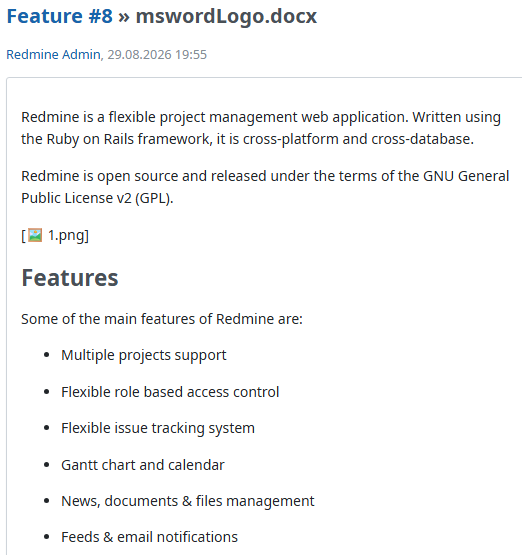
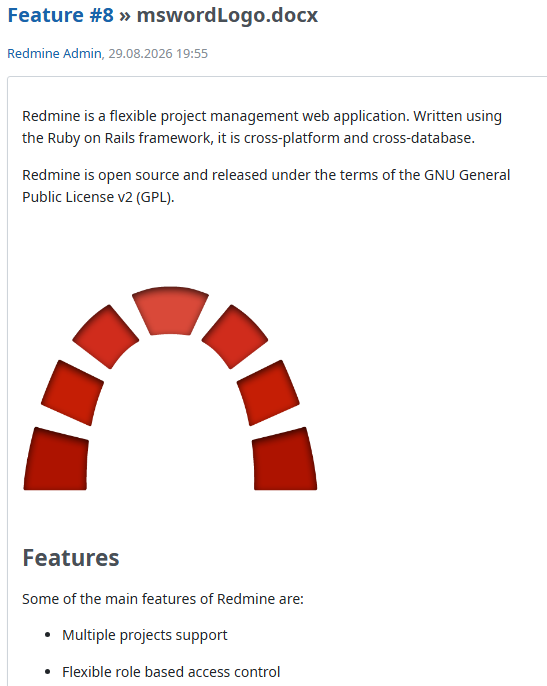
 Updated by Florian Walchshofer about 2 months ago
I can confirm that the issue affects DOCX, PPTX and ODT files.
For comparison, XLSX files did not generate image references, so no broken images were displayed.
| Extension | HTTP request | Generated markdown |
|---|---|---|
| .docx | Started GET "/attachments/media/image1.png" | <img src="media/image1.png" style="width:6.69306in;height:4.92708in" /> |
| .pptx | Started GET "/attachments/ppt/media/image1.png" |  |
| .odt | Started GET "/attachments/Pictures/1000000000000514000003BD9FECFAD7.png" | <img src="Pictures/1000000000000514000003BD9FECFAD7.png" style="width:17cm;height:12.515cm" /> |
However, the root cause seems to be the same: the preview contains references to media files that are never extracted and therefore cannot be served.
Updated by Florian Walchshofer about 2 months ago
- File 0002-Defect-44358-Add-images-to-office-document-fixtures.patch 0002-Defect-44358-Add-images-to-office-document-fixtures.patch added
- File 0001-Defect-44358-Fix-images-in-markdownized-previews.patch 0001-Defect-44358-Fix-images-in-markdownized-previews.patch added
I attached a patch for this issue.
The fix stores previews and extracted media in an attachment-specific directory and serves media through a dedicated endpoint.
Cache structure
The markdownized preview cache structure was changed from a single cache file based on digest_filesize.md to an attachment-specific directory based on the attachment id.
This change is required to support Pandoc's --extract-media option.
Previously, previews were stored as:
markdownized_previews/
└── <digest>_<filesize>.md
With image extraction enabled, the structure now becomes:
markdownized_previews/
└── 4/
    ├── preview.md
    └── media/
        ├── image1.png
        ├── image2.png
        └── image3.png
Pandoc is executed from the derived_cache directory and uses:
--extract-media=markdownized_previews/<attachment_id>/
and
chdir: basedir
This causes Pandoc to generate image references such as:
markdownized_previews/4/media/image1.png
Using an attachment-specific directory allows these generated paths to be mapped directly to the new route:
GET /attachments/markdownized_previews/4/media/image1.png
Using the previous digest_filesize cache file naming scheme would not provide a suitable target directory for extracted media files and would make it difficult to expose them through predictable URLs.
Another option would have been to post-process and rewrite the generated markdown output to replace image paths after the Pandoc conversion. However, this approach would rely on assumptions about Pandoc's generated output and media path conventions.
By using --extract-media together with an attachment-specific directory, the implementation can rely on Pandoc's generated references directly without modifying the markdown afterwards. This is more robust across different document formats (DOCX, ODT, PPTX), supports arbitrary Pandoc-generated media paths, and is less sensitive to future changes in Pandoc's output.
The cleanup logic was also updated to remove the complete preview directory, including any extracted media files, when attachments are removed or cached previews are cleared.
Configuration
Regarding the suggested markdownized_preview_max_media_count and markdownized_preview_max_media_total_size settings, I think the existing limits already provide sufficient protection.
markdownized_preview_max_source_size already limits the size of documents processed by Pandoc, including all embedded images. Since extracted media originates from the source document itself, its total size is naturally constrained by the configured source document size limit.
This patch
- extracts embedded images using
--extract-media - stores previews and extracted media in an attachment-specific directory
- support arbitrary Pandoc-generated media paths, including structures such as
Pictures/...(ODT),ppt/media/...(PPTX) andmedia/...(DOCX)
- support arbitrary Pandoc-generated media paths, including structures such as
- adds a controller action and route for serving extracted media files
- applies the same permission checks as attachment downloads and thumbnails
- updates preview cleanup to remove extracted media files together with the generated preview
- DOCX previews containing embedded images
- ODT previews containing embedded images
- Media file delivery through the new endpoint
- Access control checks (authorized, unauthorized and forbidden access)
- Missing files and invalid paths
The markdownized preview now correctly displays embedded media extracted by Pandoc while preserving Redmine's existing access control rules.
Updated by Florian Walchshofer about 2 months ago
- File markdownized-preview-images-placeholder.png markdownized-preview-images-placeholder.png added
- File markdownized-preview-images-render.png markdownized-preview-images-render.png added
- File 0003-Defect-44358-Add-image-placeholder-mode.patch 0003-Defect-44358-Add-image-placeholder-mode.patch added
I attached an additional patch 0003 that implements a configurable placeholder mode for embedded images.
The patch introduces a new configuration setting:
markdownized_preview_images: renderSupported values:
- render (default)
- extracts embedded images using Pandoc's
--extract-mediaoption - renders images in the generated preview
- extracts embedded images using Pandoc's
- placeholder
- replaces embedded images with placeholders using a
Pandoc Lua filter - preserves image positions in the document flow
- does not extract media files
- displays the image's alternative text when available, otherwise a generated placeholder such as
1.png
- replaces embedded images with placeholders using a
The implementation relies on a Pandoc Lua filter and does not perform post-processing of the generated markdown output.
This option provides a lightweight alternative for installations that prefer compact previews and reduced storage usage.
It may also be useful when a quick text-focused preview is preferred over rendering embedded images.
Updated by Florian Walchshofer about 13 hours ago
- File 0001b-Fix-broken-images-in-markdownized-Office-document-pr.patch 0001b-Fix-broken-images-in-markdownized-Office-document-pr.patch added
- File 0002b-Add-images-to-Office-document-fixtures-44358.patch 0002b-Add-images-to-Office-document-fixtures-44358.patch added
- File 0003b-Add-image-placeholder-mode-44358.patch 0003b-Add-image-placeholder-mode-44358.patch added
I have attached updated patches for current trunk. They replace the previous patches 0001-0003.
- 0001b-Fix-broken-images-in-markdownized-Office-document-pr.patch
- Rebased on current trunk.
- Stricter validation of the requested media path, with an additional test.
- Only image files are served. Previously, the cached
preview.mdcould also be requested. preview_mediais no longer accepted for API authentication, because the images are loaded by the browser with the normal session.- The test for deleting the preview cache is skipped when Pandoc is not available, like the other markdownized preview tests.
- 0002b-Add-images-to-Office-document-fixtures-44358.patch
- Unchanged (the same files as in the previous 0002), only attached again to have a complete set:
msword.docxandlibreoffice-writer.odtwith images.
- Unchanged (the same files as in the previous 0002), only attached again to have a complete set:
- 0003b-Add-image-placeholder-mode-44358.patch
- Rebased on current trunk.
configuration.yml.examplenow documents the valueplaceholder, which is the value the code checks. It previously documentedreplace.
The attachment tests pass with the default configuration.