Actions
Defect #42051
closed

"Font used for text areas" setting causes inconsistent font size
Resolution:
Fixed
Affected version:
Description
When you change the "Font used for text areas" setting on the "My account" page to "Monospaced font" or "Proportional font" instead of "Default font", text areas are rendered with a 12px small font size, which can lead to problems with consistency and readability.
This issue can be fixed with the attached patch.
Current Appearance:
Default font: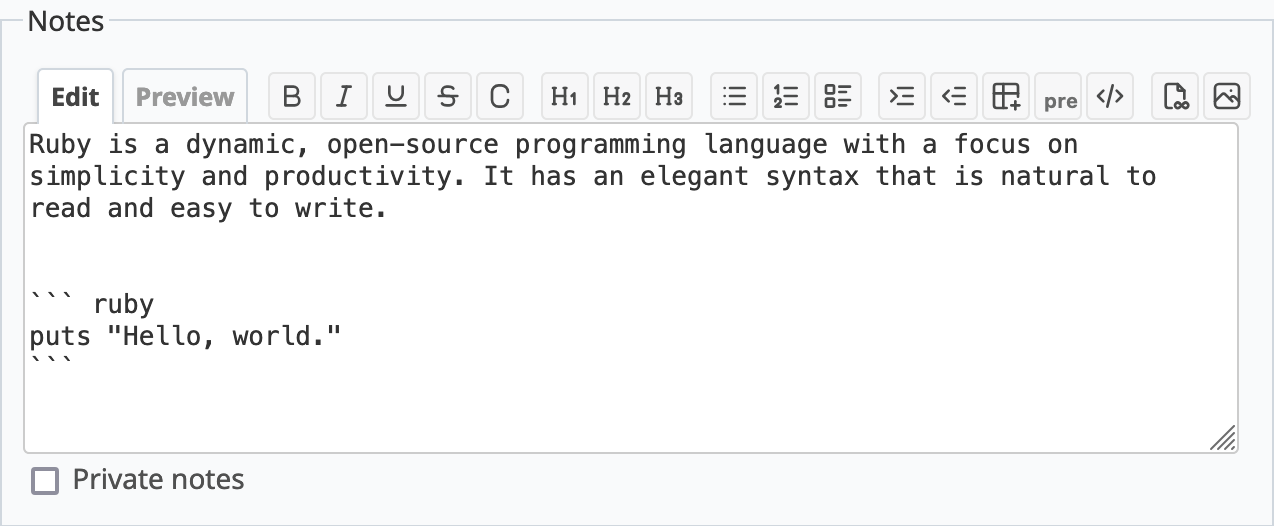
Monospaced font: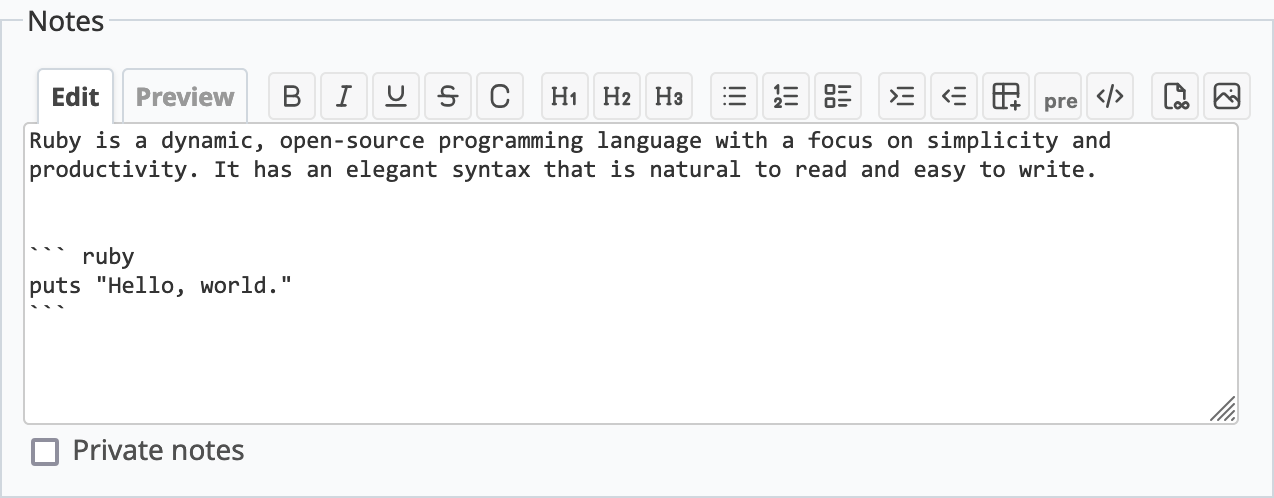
Proportional font: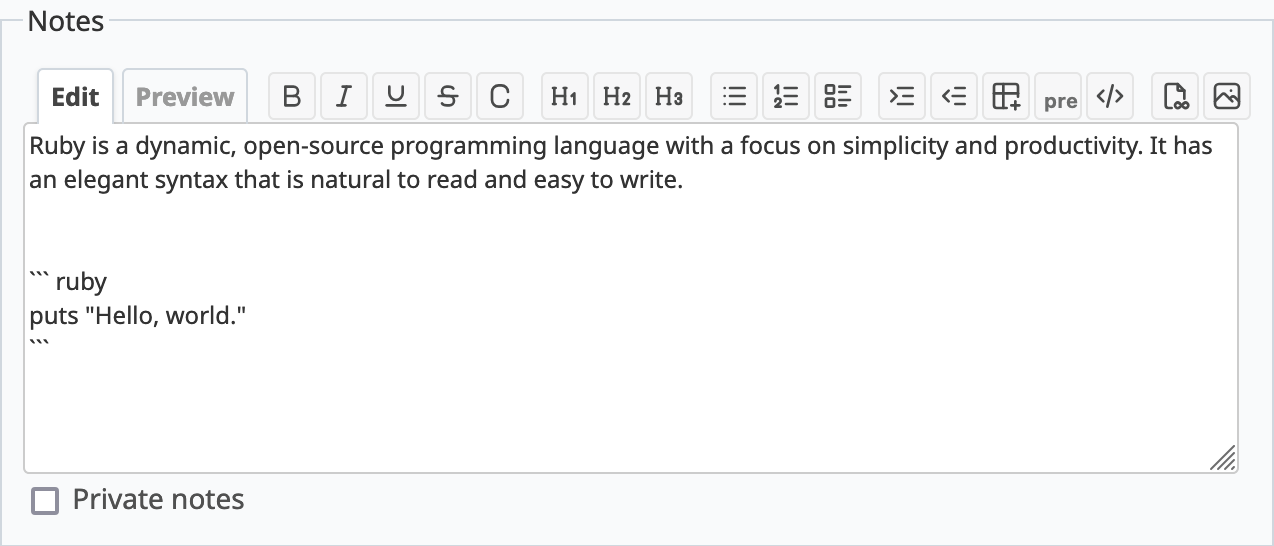
Appearance After Fix:
Default font: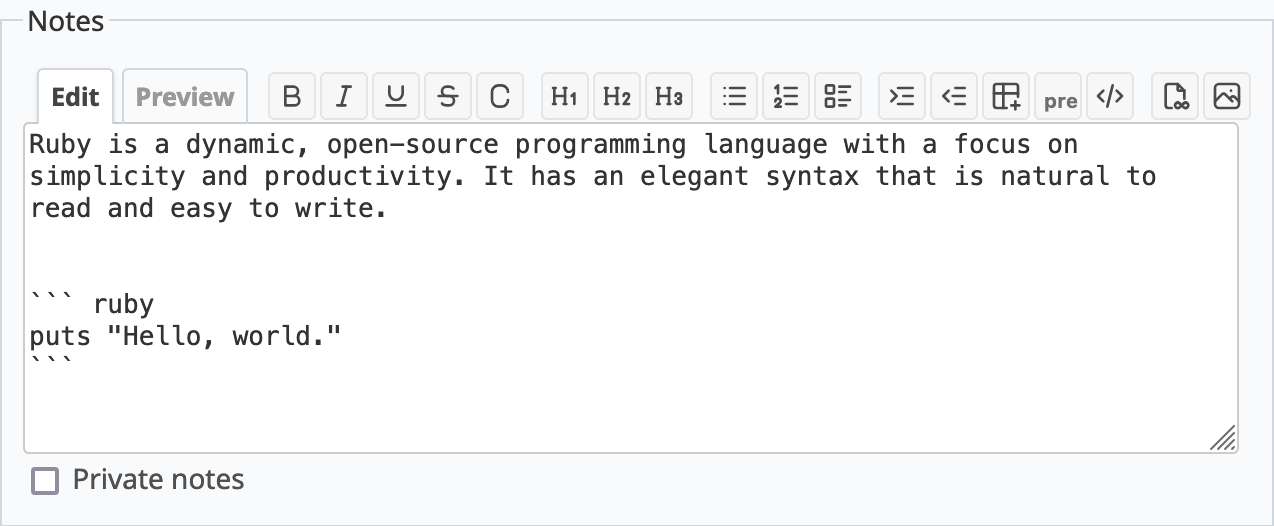
Monospaced font: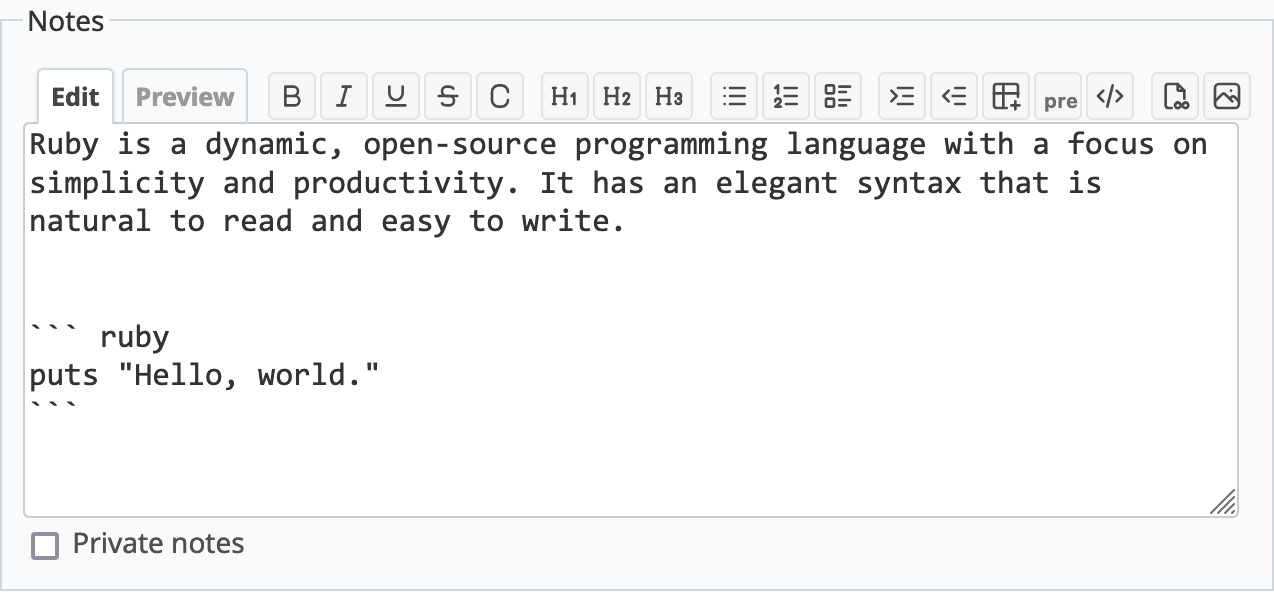
Proportional font: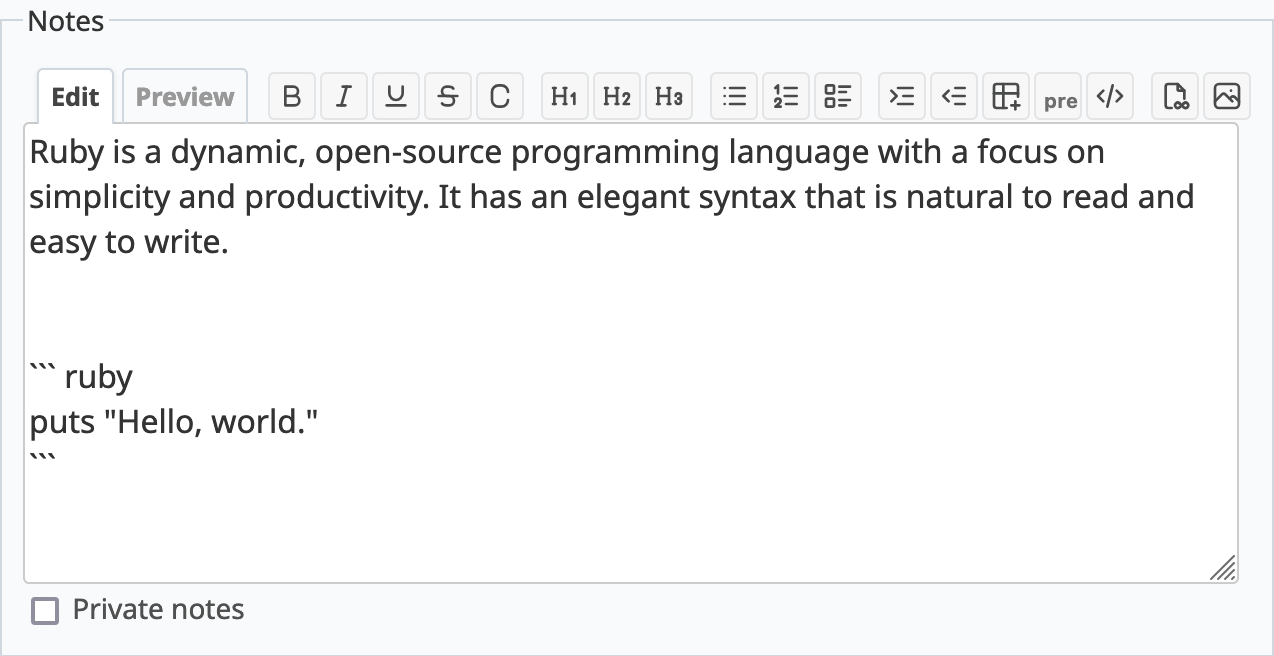
Files
Related issues
 Updated by Go MAEDA almost 2 years ago
- Related to Feature #23653: User preference for monospaced / variable-width font in textareas added
Updated by Go MAEDA almost 2 years ago
- Related to Feature #41321: Improve readability by refining font sizes and switching to Noto Sans font added
Updated by Go MAEDA almost 2 years ago
- Target version changed from Candidate for next minor release to 6.0.3
Setting the target version to 6.0.3.
Updated by Go MAEDA almost 2 years ago
- Status changed from New to Resolved
- Assignee set to Go MAEDA
- Resolution set to Fixed
Committed the fix in r23423.
Updated by Go MAEDA almost 2 years ago
- Status changed from Resolved to Closed
Merged the fix into the 6.0-stable branch in r23427.
Actions