Defect #44764
open
Add "Open in full view" link to the image attachment page
Description
On the attachment page, images are scaled down to fit the window. This is useful because the whole image is always visible. However, there is no way to view a large image at its actual size, so it is difficult to examine details such as small text in a screenshot.
The attached patch adds the "Open in full view" link, which is already displayed for PDF files, to the page for raster images (AVIF, BMP, GIF, JPEG, PNG and WebP). The link opens the image itself in the browser. Browsers fit a large image to the window and let users switch to the actual size by clicking the image.
The link is displayed only when the content type stored for the attachment is one of these raster image types. Other images, such as SVG files and some old attachments stored with application/octet-stream, do not show the link, but they are still displayed on the attachment page as before.
Security considerations
Since r16285 (#24199), which fixed a stored XSS with SVG attachments (listed in Security_Advisories), all images have been sent with Content-Disposition: attachment. This patch relaxes that restriction: when disposition=inline is requested, an image is sent with Content-Disposition: inline only if the content type stored for the attachment is one of the raster image types listed above. Files stored with any other content type, including image/svg+xml, are still sent as attachments.
This does not reintroduce the vulnerability. The response is sent with the stored content type and with X-Content-Type-Options: nosniff, which prevents browsers from guessing the type from the file contents. Therefore, even if the file contents do not match the content type, for example an SVG file stored as image/png, browsers handle the response only as a raster image and do not render it as SVG.
In addition, since Redmine 7.0.0 (#43484), the content type is detected from the file contents, so a mismatch between the contents and the content type is unlikely. For example, an SVG file renamed to image.png is detected as image/svg+xml and is sent as an attachment.
The attachment page. The image is scaled down to fit the window, and the new “Open in full view” link is displayed above it.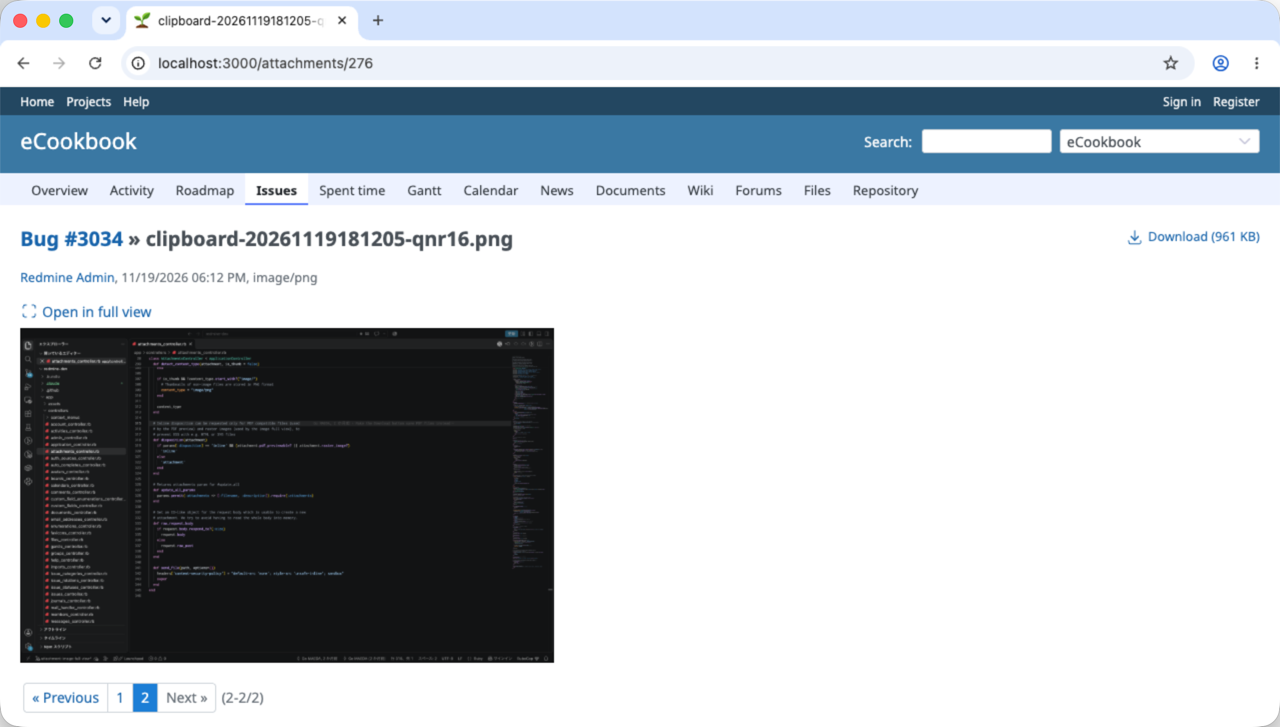
After clicking “Open in full view”. The browser opens the image itself and fits it to the window.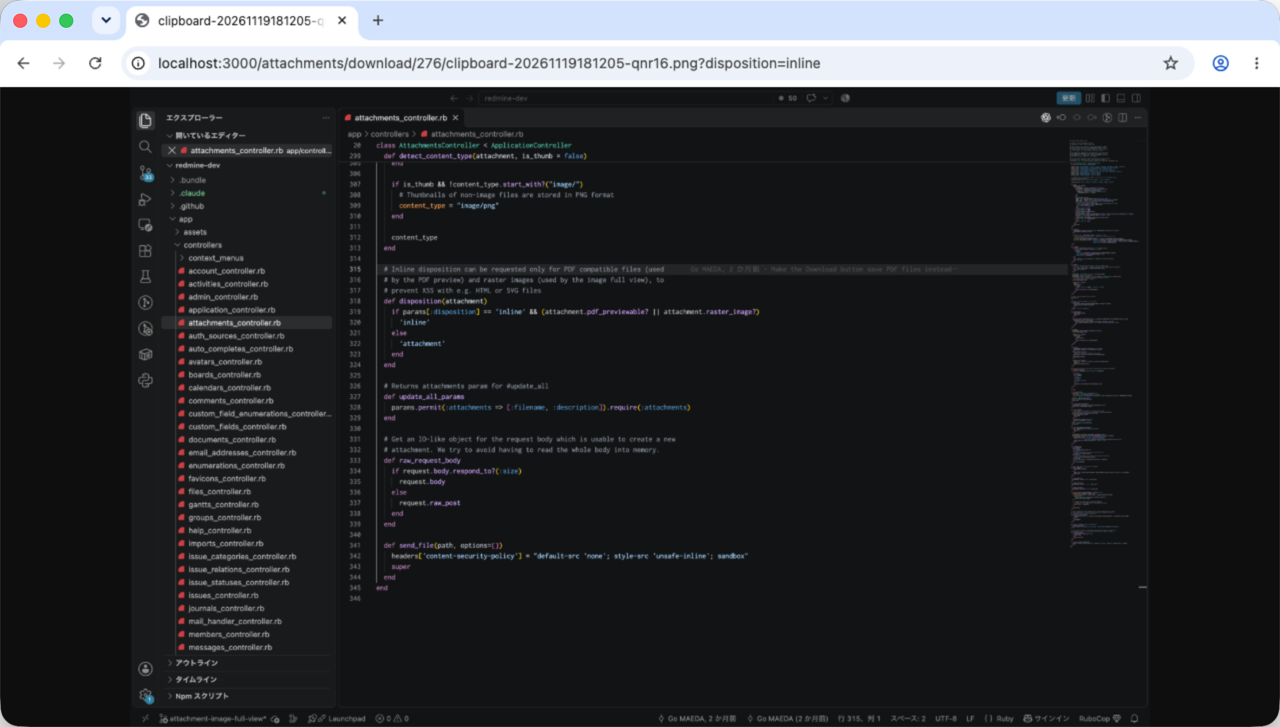
After clicking the image. The browser displays it at its actual size.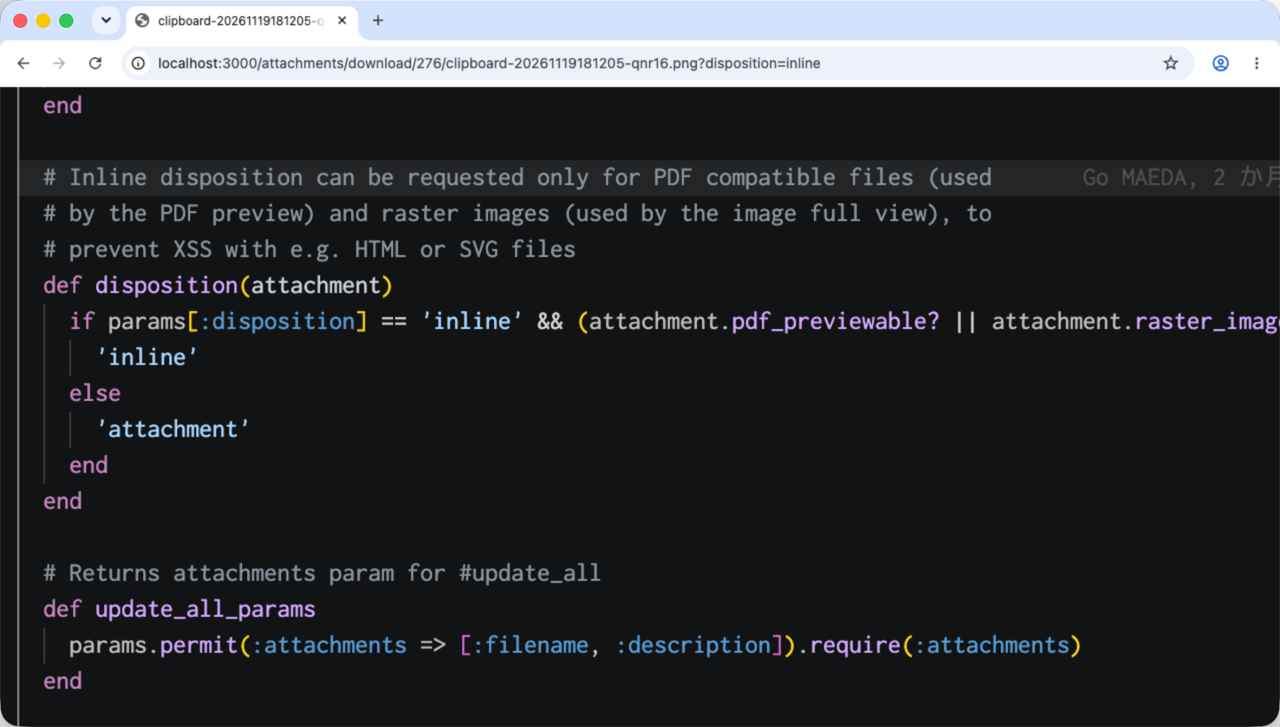
Files



No data to display