Feature #44444
closed

Update the mobile header and flyout menu colors to match the redesigned desktop header
Description
The attached patches update the mobile layout (responsive.css) so that the header, the flyout menu, and the flyout menu headings use the colors of the desktop header redesigned in #43937. Until now, they kept the pre-redesign colors (#628db6 for the header and #3e5b76 for the flyout menu), so mobile pages looked different from desktop pages.
This resolves what was deferred in #43937#note-6: the mobile header color was intentionally left unchanged there because the flyout menu is designed to match the header, so both had to be updated together.
The first patch extracts the desktop header colors into CSS variables in :root of application.css, --color-header-background (#3A78A3) and --color-top-menu-background (#234761), so that they can be reused in the mobile layout. The second patch updates responsive.css to use these variables.
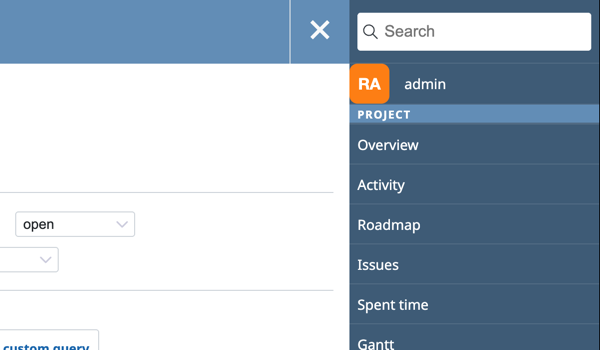
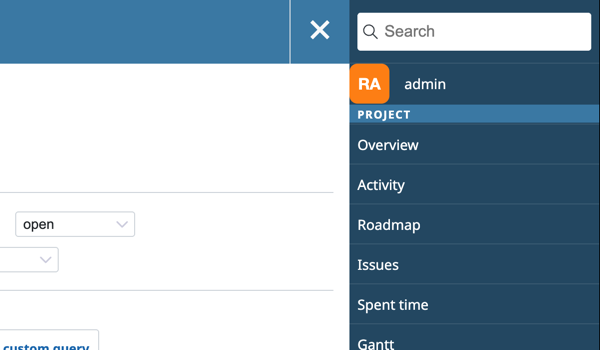
The screenshots below show the mobile header and the flyout menu at a 600px viewport before and after the patches.
Header before and after:


Flyout menu before and after:
Files
Related issues
 Updated by