Actions
Feature #44608
open
Remember and auto-fit Gantt column widths
Resolution:
Description
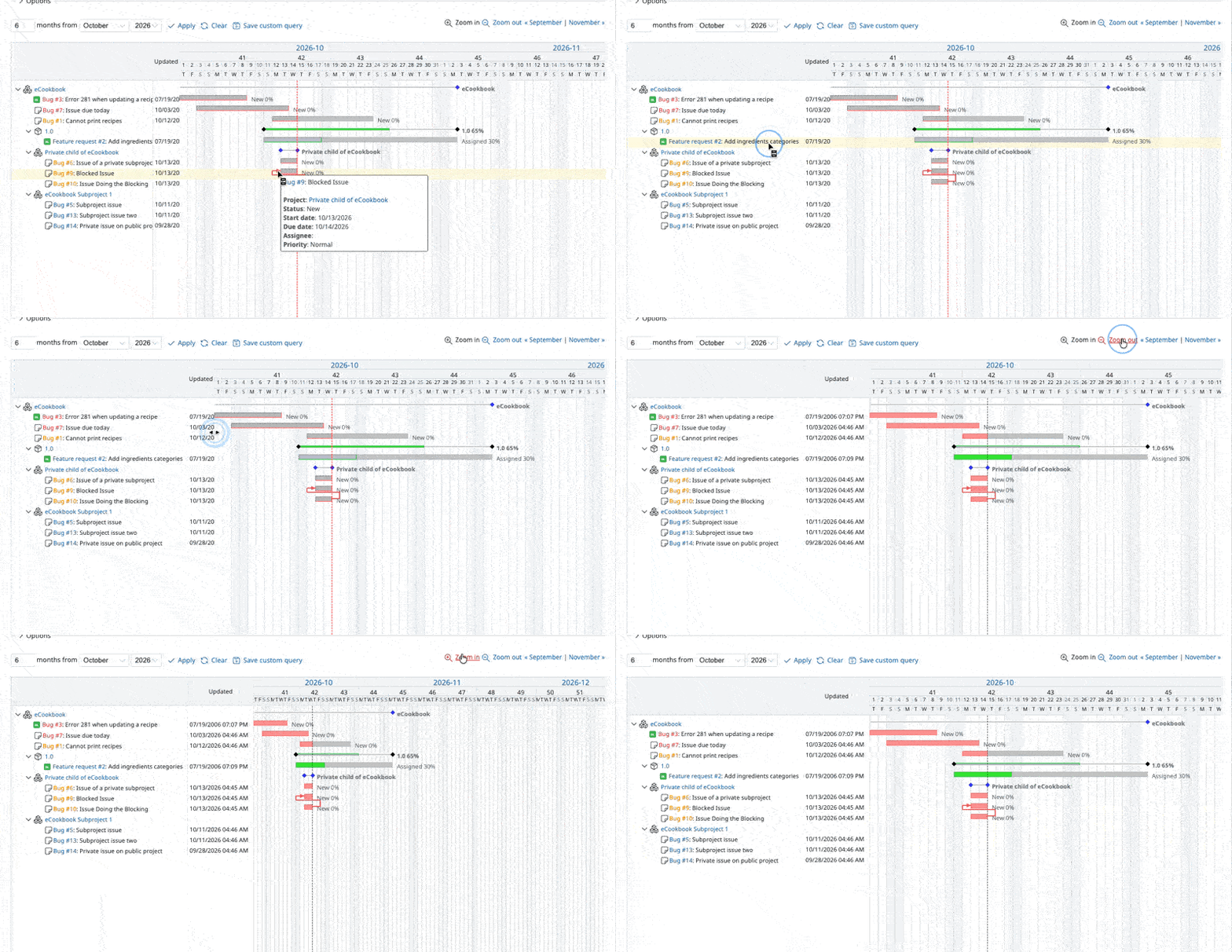
Gantt column widths can already be adjusted, but they reset when changing the zoom level, month, or filters. This patch remembers the chosen widths and adds auto-fit to content, making schedules and project status easier to review.
- Remember column widths across all Gantt charts. Widths are stored in
localStorage. - Auto-fit column widths to the content of the header and visible rows by double-clicking the resize handle. The fitted widths are also remembered.
- Automatically adjust the subject column width to fit the available space when the chart becomes narrower or is opened on a smaller screen. If the columns still do not fit, they can be viewed by horizontal scrolling.
This patch follows up on the column-width improvements I proposed in #44567#note-1.
Verification:
- All automated tests pass.
- Visual regression testing using the approach described in #44595#note-1: 43 scenarios covering display, interactions, printing, and PDF/PNG exports. No new regressions were found.
- Manually tested in Chrome, Firefox, and Safari on macOS, and Chrome on Windows 11.
Files
 Updated by
  Updated by
Actions