Feature #44626
open
Use Open Color for the transparency checkerboard on the attachment view page
Description
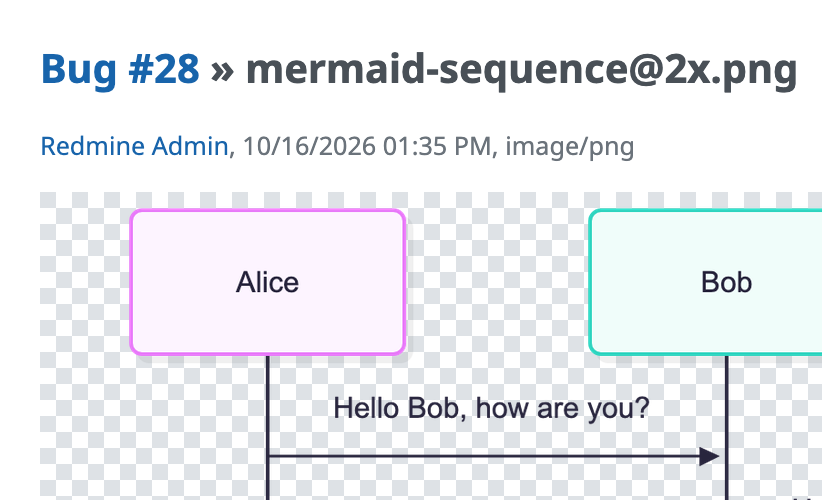
On the attachment view page, images with transparency are displayed over a checkerboard pattern so that transparent areas can be distinguished. This pattern is provided by app/assets/images/transparent.png, a 16x16 PNG image that uses the colors #ffffff and #dddddd.
In #43256, the colors in the stylesheets were replaced with Open Color variables, and #ddd was mapped to --oc-gray-3 (#dee2e6). However, the checkerboard image was overlooked and still uses the original colors.
Rather than updating the image, the attached patch removes transparent.png and draws the same pattern with a CSS conic-gradient that uses --oc-white and --oc-gray-3. This way, the pattern follows any future changes to the palette, and themes can customize it by overriding the CSS instead of providing a replacement image. The size and layout of the pattern are unchanged; the only visible difference is that the gray changes from #dddddd to #dee2e6, matching the rest of the UI.
Files
Related issues
 Updated by