Actions
Feature #44436
closed

Change the sort handle icon of My page blocks to arrows-move
Description
The drag handle of the blocks on My page currently uses the "reorder" icon. Unlike other sortable lists, these blocks can be moved left and right between the columns as well as up and down, so an icon that indicates movement in all four directions fits better.
The attached patch uses Tabler's arrows-move icon for the My page block handles. The other sortable lists are left unchanged.
https://tabler.io/icons/icon/arrows-move
| Before | After |
|---|---|
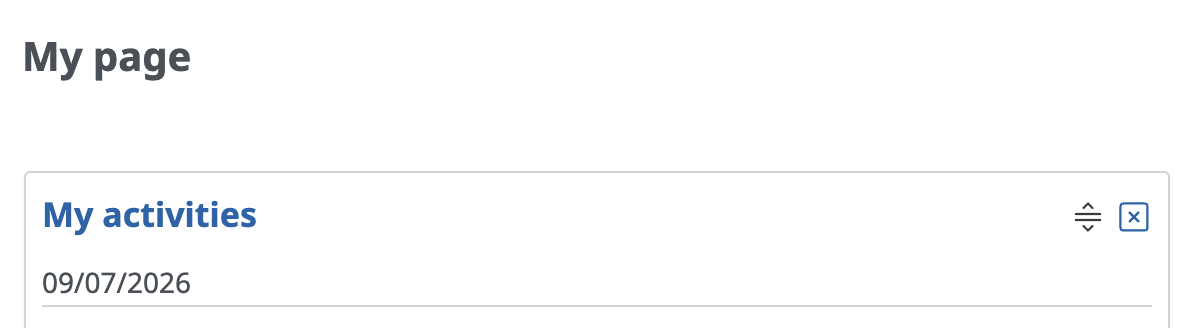 |
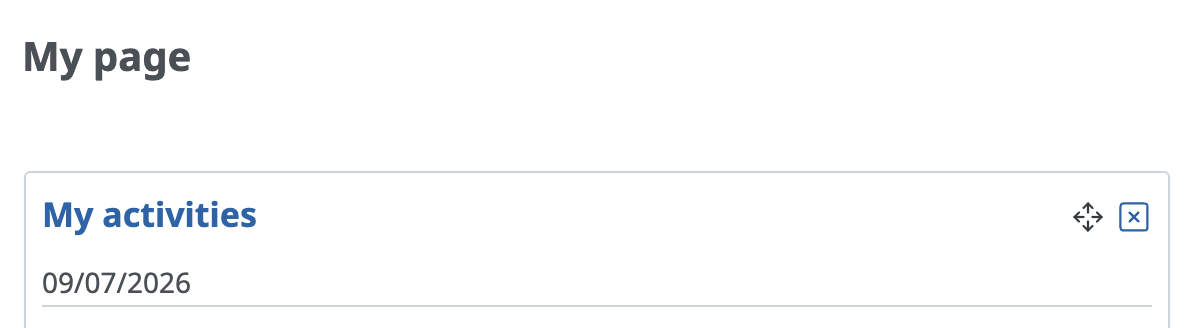 |
Files
 Updated by
Actions