Plugins Directory » Microsoft Entra Authentication
|
|
Author: | Ondrej Svejkovsky |
|---|---|---|
| Website: | https://www.redmine-x.com/redmine-microsoft-entra-auth | |
| Code repository: | - | |
| Registered on: | 2026-07-15 (3 months ago) | |
| Current version: | 1.0.0 | |
| Compatible with: | Redmine 6.1.x, 6.0.x, 5.1.x | |
| User ratings: |
Microsoft Entra (Azure AD) Authentication by RedmineX
Secure your Redmine with Microsoft Entra ID (formerly Azure Active Directory) Single Sign-On. Enable your users to log in using their corporate Microsoft 365 accounts without managing additional passwords.
The plugin supports modern OAuth/OpenID Connect authentication and integrates seamlessly with your existing Microsoft Entra tenant. Whether you are running Redmine on-premise or in the cloud, your users can authenticate with the same credentials they already use across Microsoft 365.
Key Features Of The RedmineX Microsoft Entra Plugin
- Microsoft Entra ID (Azure AD) Single Sign-On
- OpenID Connect / OAuth authentication
- Secure login with Microsoft 365 accounts
- Automatic user creation on first login (optional)
- Compatible with self-hosted Redmine installations
- Reduces passwords and helpdesk requests
- Enterprise-grade authentication
- Simple administration
--> see all features at https://www.redmine-x.com/redmine-microsoft-entra-auth
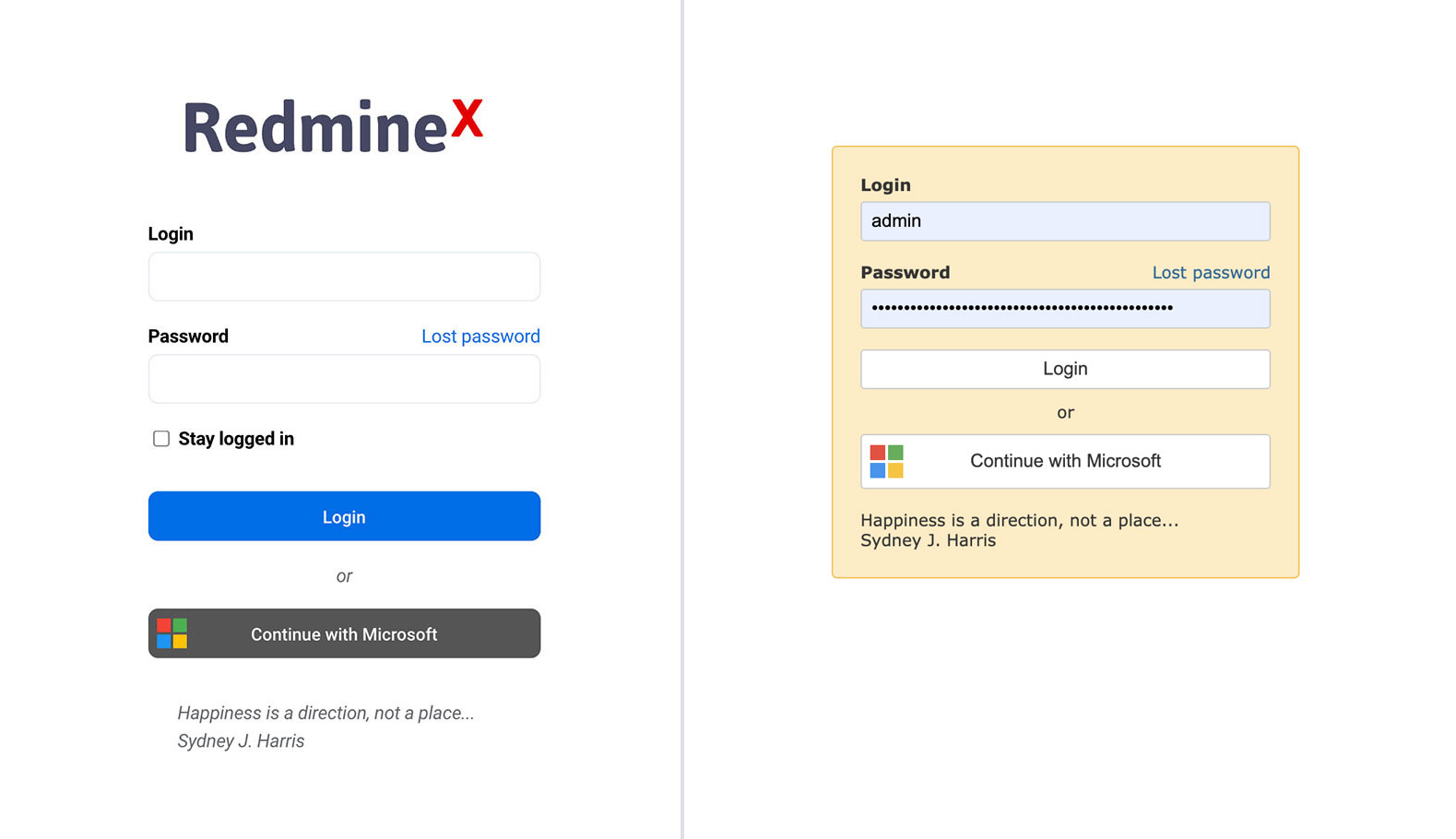
Users Appreciate
- seamless Microsoft 365 login
- improved security
- reduced password-related support
- fast deployment
- enterprise-ready authentication
Used by organizations ranging from small businesses to large enterprises, the Microsoft Entra Authentication plugin makes Redmine authentication secure, convenient and easy to maintain. It is based on 15 years of Redmine experience.
Explore All Premium RedmineX Plugins
Explore FREE RedmineX Plugins
Explore RedmineX Services
Installation notes
Follow standard Redmine installation:
- unzip the archive and copy it to redmine_root/plugins or copy the archive in the same location and perform the unzip command in the console
- from redmine_root run bundle install
- restart Redmine
- migration not needed
Changelog
1.0.0 (2026-07-15)
Compatible with Redmine 6.1.x, 6.0.x, 5.1.x.